01
Tap Start Journey
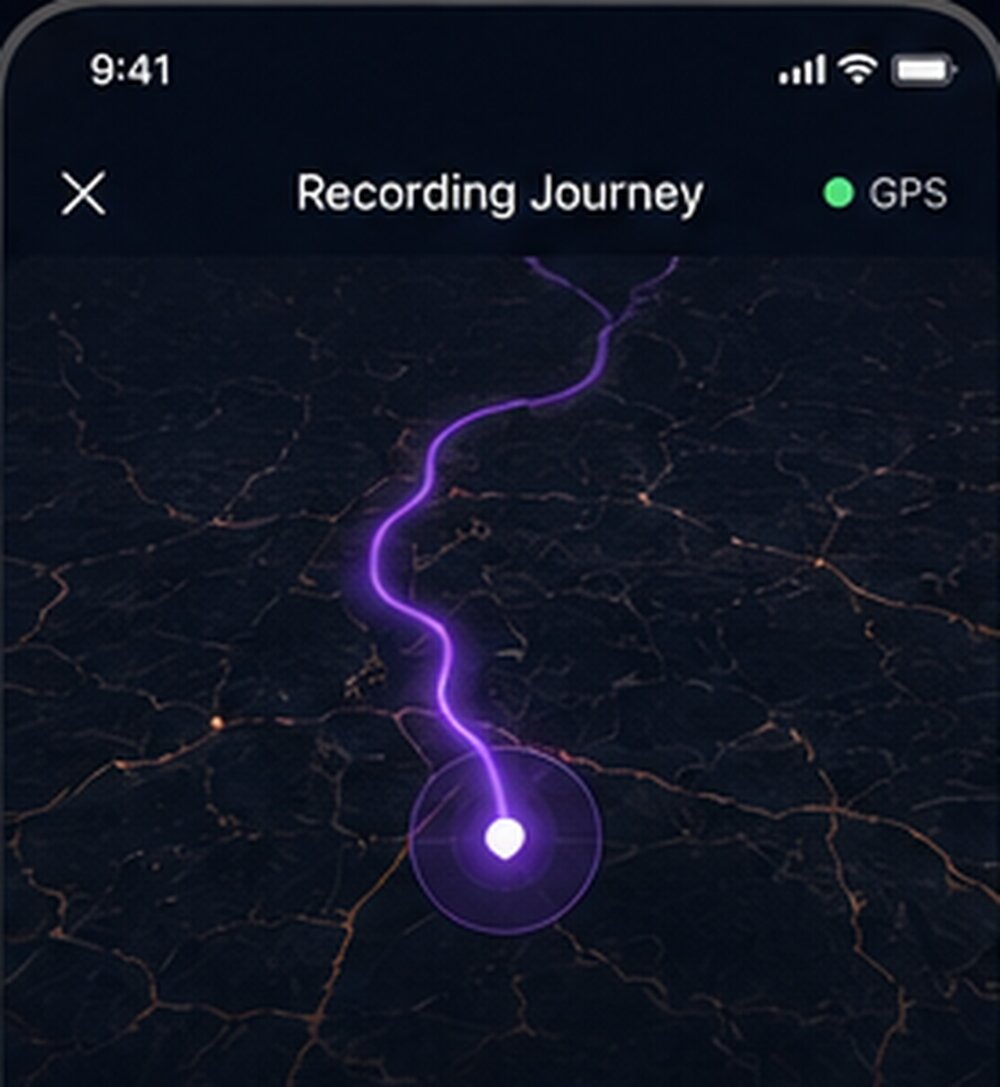
One tap before you leave the hotel. DORAVA remembers the route in the background — even with the screen off.
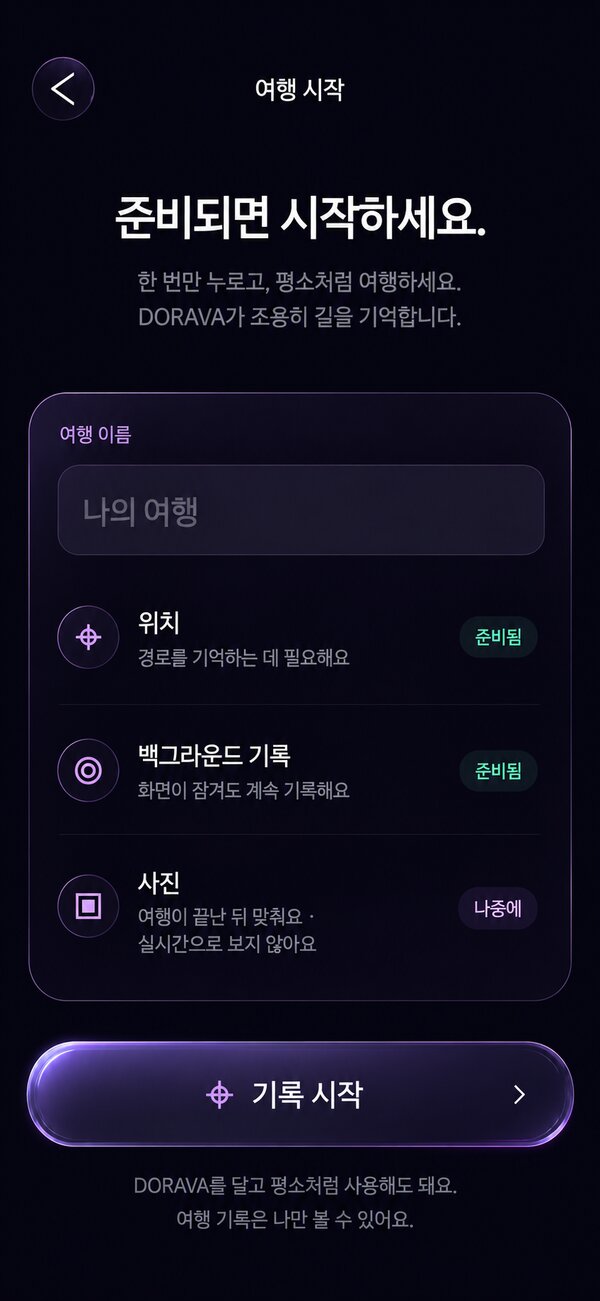


Tap Start. Travel like you always do. When you tap End, DORAVA turns your route and your photos into a cinematic replay — no editing, no timeline, no work.
DORAVA doesn't ask you to build a video. It quietly remembers the way, and gives the trip back to you when it's over.
One tap before you leave the hotel. DORAVA remembers the route in the background — even with the screen off.
Nothing changes about your day. Wander, eat, get lost, shoot with the camera you already love.
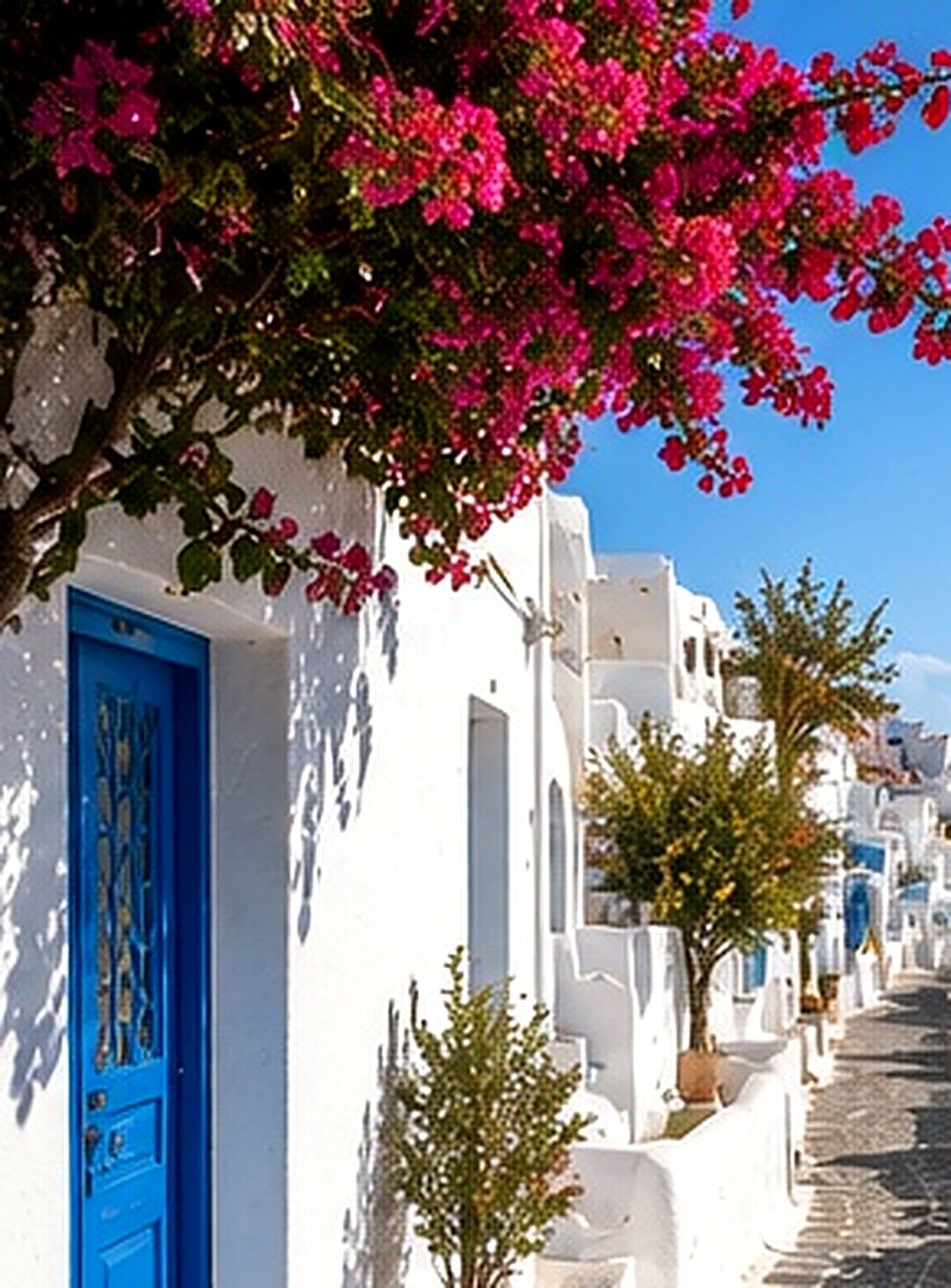
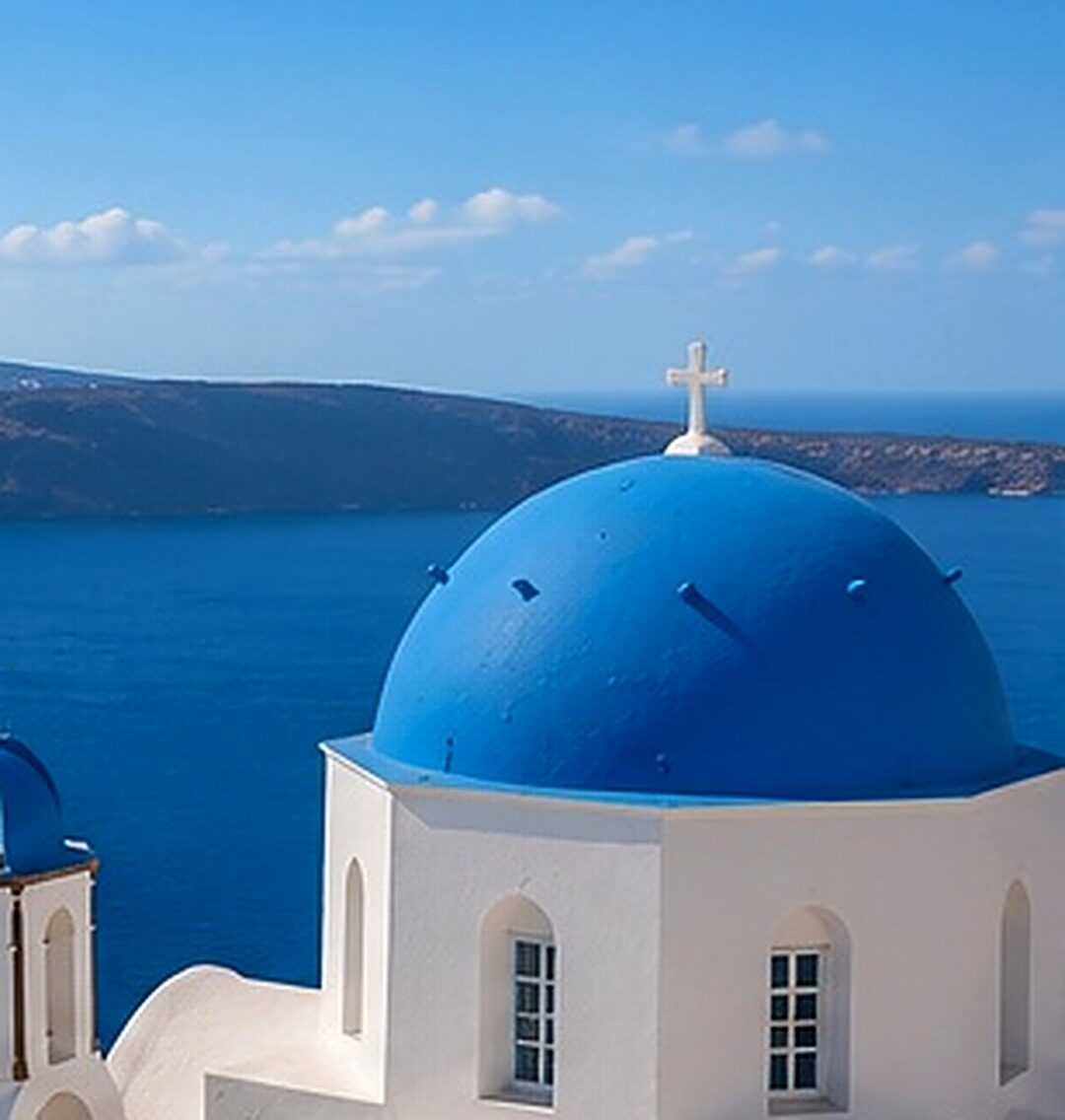
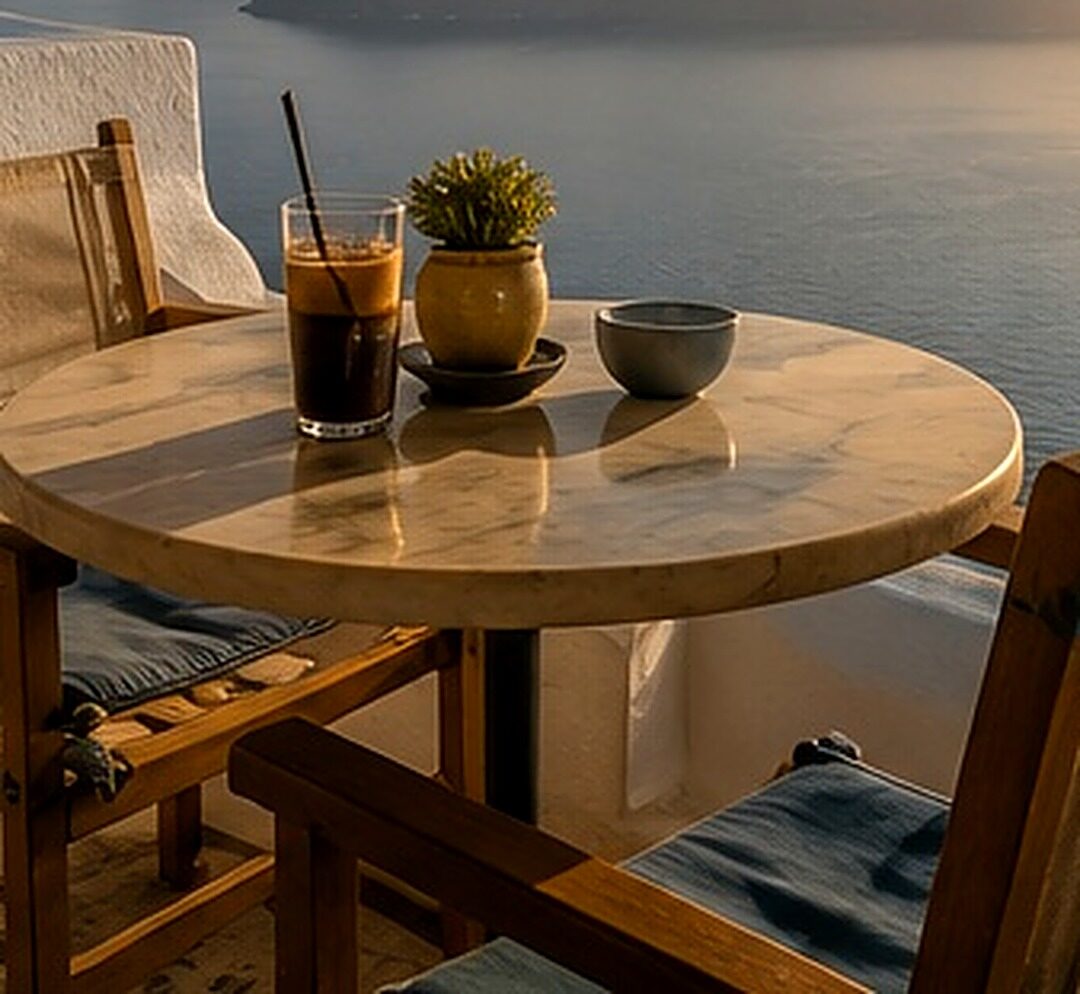
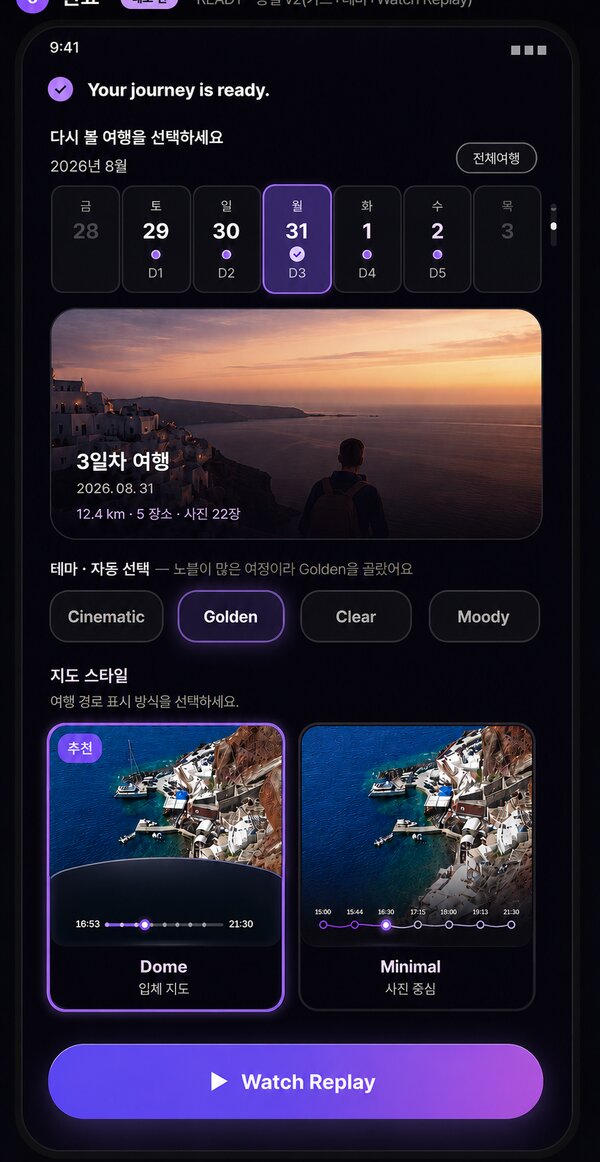
Your route becomes places, your photos find their moments, and the day plays back like a film. “Your journey is ready.”
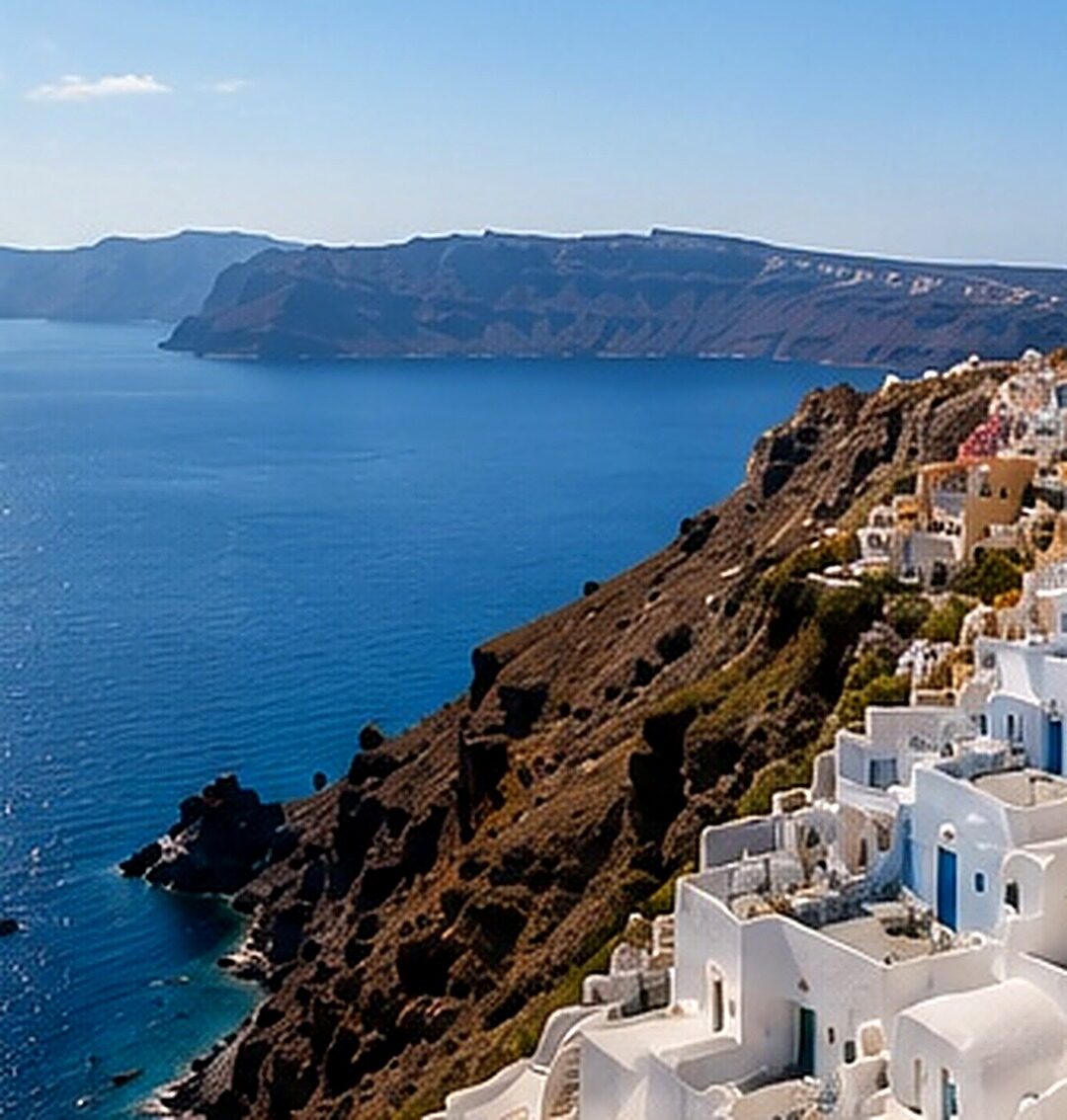
DORAVA reads the depth of every photo right on your phone and moves the camera through it — a slow, quiet parallax that turns a snapshot into a place you're standing in. Nothing is uploaded. Nothing is generated.
Your own shots, given depth. No AI-invented frames, no faces that were never there.
Blurry, blown-out and duplicate shots step aside. Each place keeps its three strongest moments.
Places · photos · distance — a closing card written from your real day. Made with DORAVA.
DORAVA picks a look that fits the light your day actually had. Change it with one tap. Hover to watch.
Santorini · 15:00 – 21:30 · the same day, replayed four ways.
Your photos stay the hero of the frame. Beneath them, a dark cinematic map glides along your real route — and a sliver of glass signs it as DORAVA.
A curved, low-camera map that moves with you. It never crowds the photo; it frames it.
Every photo is graded to match the hour it was taken — dawn, noon, golden hour, night.
Where you stopped, how long you stayed, and what came next. Localized in English, 한국어, 日本語 and Español.
Create once. Keep it in the shape you'll actually share.
Every replay preview is free — watch your trip as many times as you like. Pay only for the videos you save. No subscription.
Not a stitch of daily clips — DORAVA reads the entire journey and re-edits the moments that mattered into a single highlight. All three formats included.
Open the app and go. Sign in only if you want your purchased videos to follow you to a new phone. No profile, no feed.
No analytics, no advertising, no data brokers. Just your trip.
Matching and grading run locally. Your originals are never uploaded.
Recording lives between the two taps — and stays on the device.
DORAVA is an automatic travel memory app for Android. You tap Start when a trip begins and End when it is over; DORAVA records your route in between, matches the photos you took to that route, and turns them into a cinematic travel replay — a vertical video with a Glass Dome map — with no editing.
Map animation apps draw a line between places. DORAVA starts from your photos: each still photo gets on-device depth so the camera moves through it, the best shots are picked automatically, and the map only connects the moments. The result feels like a short film of the day, not an animated route.
Because remembering the route while your phone is in your pocket is the whole point of the app. Recording runs only between Start and End, a notification is shown the entire time, and the route is stored on your device — it is never uploaded.
No. Photo matching, depth and color grading all run on the device. There is no account required, no advertising and no analytics SDK. Only map tiles and place names are requested from Google.
Watching your replay is free, as many times as you like, and you can save a preview video with a DORAVA watermark. Saving an HD video without the watermark costs $0.99 per video, with packs of 5, 15, 30 and 60 videos at a lower price per video. There is no subscription.
Not yet. DORAVA needs to be running from Start to End to record the route, so it works for trips that begin after you install it. A version that builds a replay from the photos already on your phone is planned.
DORAVA launches first on Android (Google Play). The app and this site are available in English, Korean, Japanese and Spanish. iOS is planned after the Android launch.
Launching first on Android. Be the first to replay your next journey.